Team
Bookplate is built and maintained by SereneBooks, a small software company founded by a book lover, for book lovers.
Serene Careaga — Founder
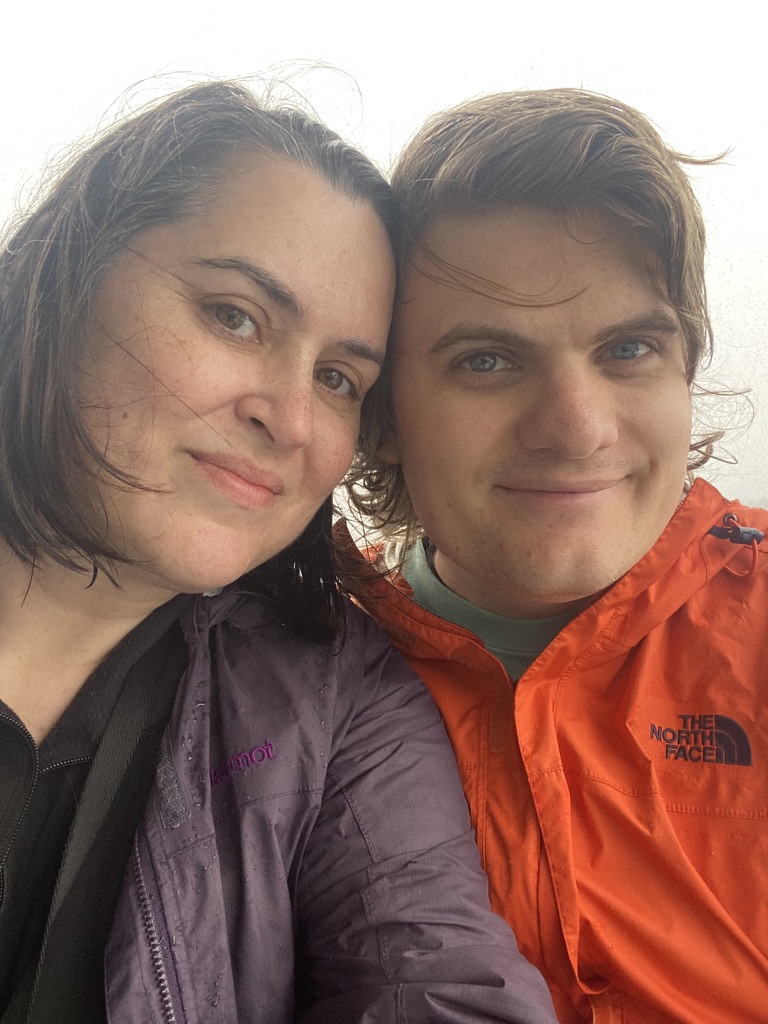
Hi, I'm Serene. I live in Philly, and love it so. (Brag alert: my neighborhood boasts four independent bookstores in walking distance.) I share a rowhome with my partner Nikky and our geriatric cat Minerva. I love fixing problems and sometimes that means building software. I have been building software on and off for nearly 15 years. I primarily build in the Ruby programming language.
My backstory to founding SereneBooks is short: I lovelovelove books, and our household is teeming with so many that I frequently cannot find them. Whether it's a loan I forgot about or my mysterious nightstand drawer of holding, I want to know where my book piles live. Over my lifetime of collecting books, I have considered keeping better track of their book lives. I figured I was fussy, unsure why I could not find my ideal blend of book inventory system + reading journal + loans tracker, one that would also let me customize data so I can use the lovingly weathered cover of A Tree Grows in Brooklyn. So I decided to build it myself.
So, *drumroll*, meet Bookplate. This app is my token of love to my books, my fellow readers, and the authors of these special worlds giving me escape and drama and sorcery and magic to get through the drudgery. I really hope you like it too.
SereneBooks software products

Bookplate is the app from the story above: a private home library that follows the whole life of a book, from the day it comes home, through readings and rereadings and loans to trusted friends, to the bittersweet pruning that makes room for more.
OrganizedSpine is the same love letter written to the other side of the counter: inventory management for independent bookstores, the community spaces where a recommendation still comes from a person who read the book, not an algorithm.
Get in touch
Questions, feedback, or just want to say hello?
hello@bookplate.app